Project Skewed
The Project Skewed functions are used to Project selected entities along a vector that you define. When using these functions, it will be important to keep the following in mind:
-
You are not prompted for the number of copies because copies would place themselves on top of each other.
-
The projection direction cannot be parallel to the projection plane.
Using the Function:
 Project Skewed>Move
 Project Skewed>Copy
 Project Skewed>Join
-
Select Project Skewed>Move, Copy, or Join (see icons below) from the Transform>Project submenu.
-
Select the entities you intend to project.
Plane Definition
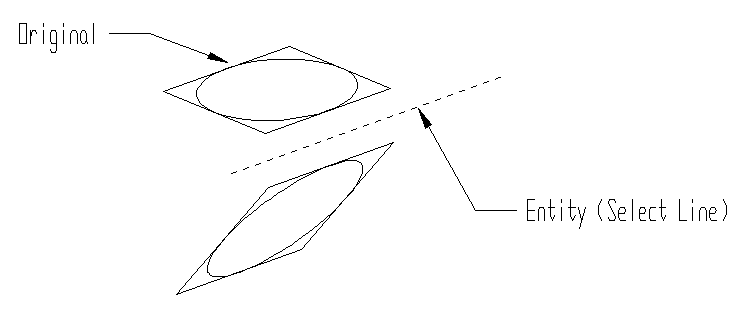
Above > An example of Project Skewed