Startup
Through the Startup dialog page, you can configure settings specific to program startup, such as what language or keyboard file to open with.
The Startup Option page allows a set of language files, if avaiable, to be used in place of the default English files.
Dialog Options:
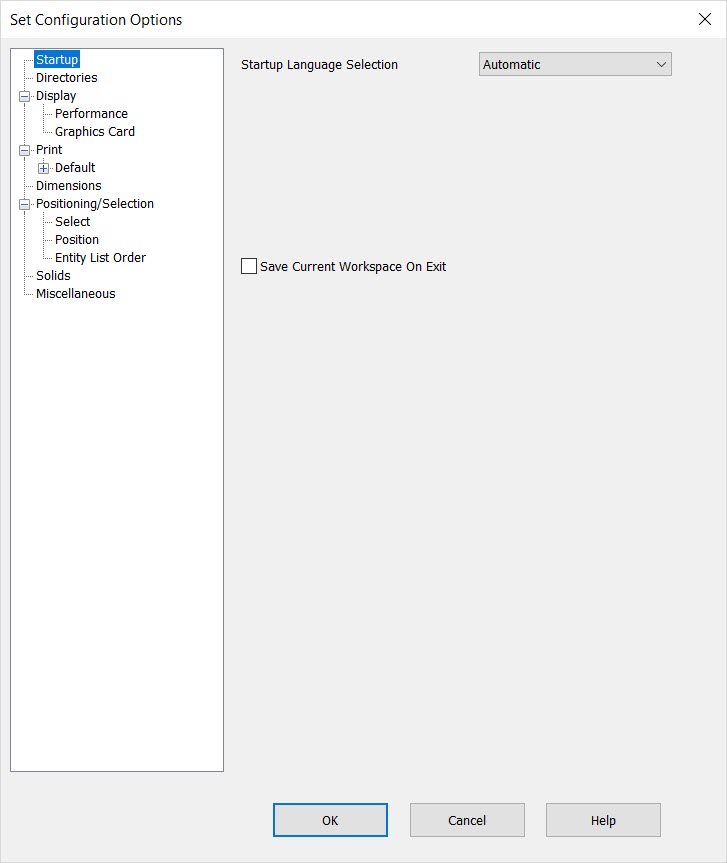
Startup Language Selection
Specify a startup language from the drop-down menu. This option will only appear if the Custom install routine had been used to install your copy of KeyCreator.
Save Current Workspace on Exit
Checked will save any modifications that impact the workspace such as toolbar and viewport configuration.