Face (Move/Copy)

Note: The information below applies to the move function. Face Copy is the same, except it copies the selected geometry, instead of moving it.
This function moves entities by mating a solid face to a target face. The function supports reference parts of an assembly file.
Using the Function

After the selected entities are shown at the target position temporarily, the following options appear inside the prompt bar.
-
Select entities to be moved.
-
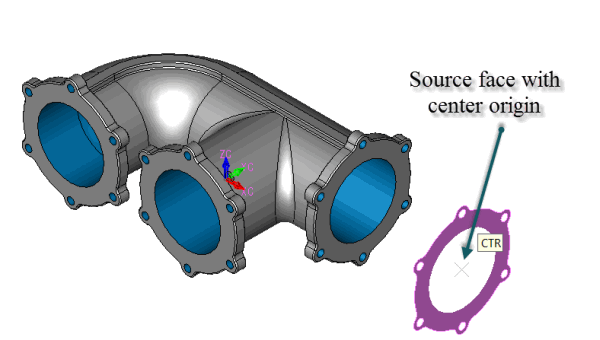
Select a face of an entity to be mated.
-
Specify the origin of transformation.
-
Select a target face of mating.
-
Specify the target point.
-
Select a position for the Entity Mate, or Skip or OK to not create an associative Entity Mate
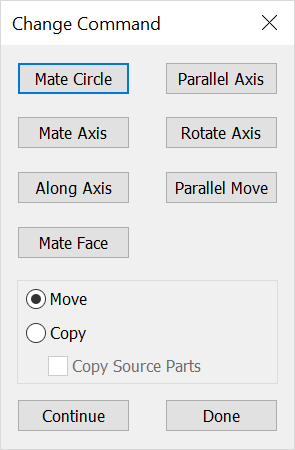
When the arrangement is confirmed, the Command Change dialog appears for desired selection.
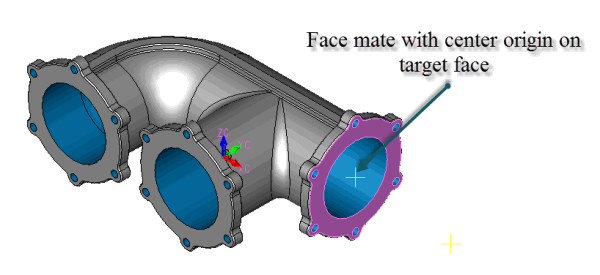
From this point forward the target point and transform origin are mated (associative) while the mating marker exists. For mating basics see the Mating Overview.