Install the Network Administration Kit
The Kubotek Network Administration Kit is a self-extracting file downloaded from the support site (i.e. NetworkAdmin.21.1.0.18205.exe). This installation should be done on the network server which will host the Kubotek floating licenses.
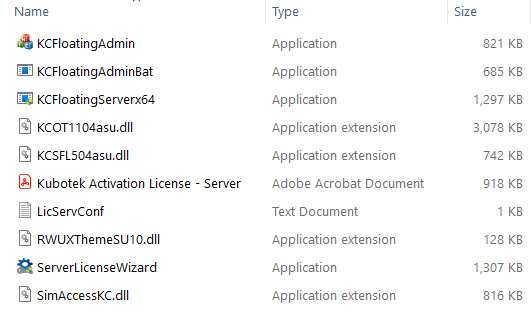
By default, the installation path will be “C:\KCNetAdmin”.
The installation includes:
Update the License server configuration file (optional).
a. Open the LicServConf.txt with Windows Notepad.
b. Port number that the service will communicate on is set to 28005 by default. Change as needed.