Exporting to KXL
Exporting to a KXL File:
-
Select Macro from the File>Export submenu.
-
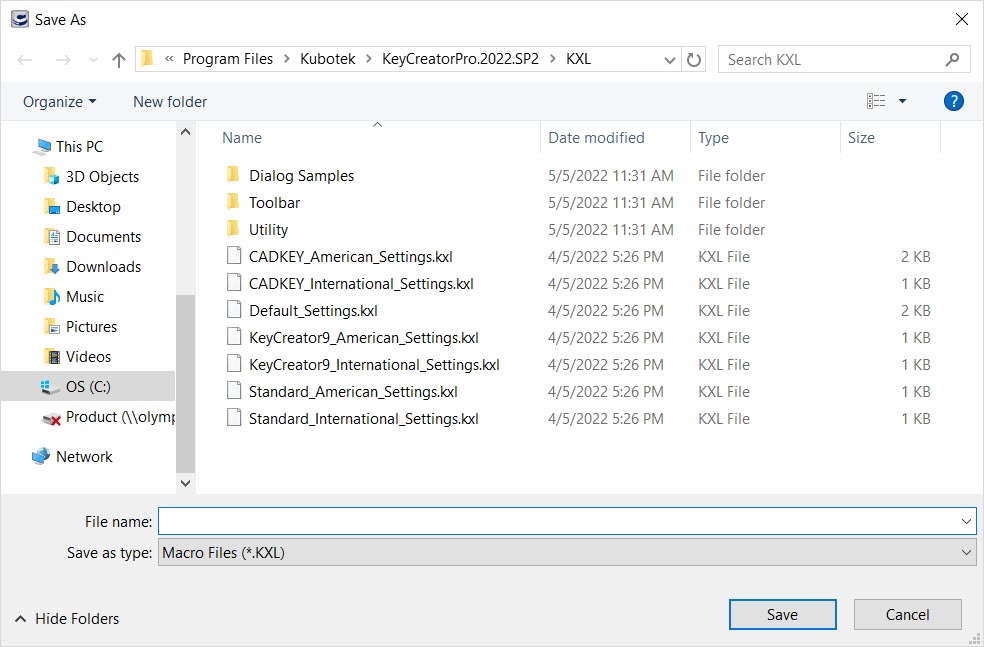
The Save As dialog appears. Specify a directory location and a file name to which the file will be saved. When you are finished, click on the SAVE button option.
-
Select the entities to export, and click OK.