Importing DXF and DWG Files
Follow the steps below to import a DXF or DWG file. There are limitations to what entities are and are not supported during translation. Note that AutoCAD external block references are imported as part references.
Importing a DXF or DWG File:
-
Select AutoCAD DXF or DWG (depending upon what format you are trying to import) from the File>Import submenu.
-
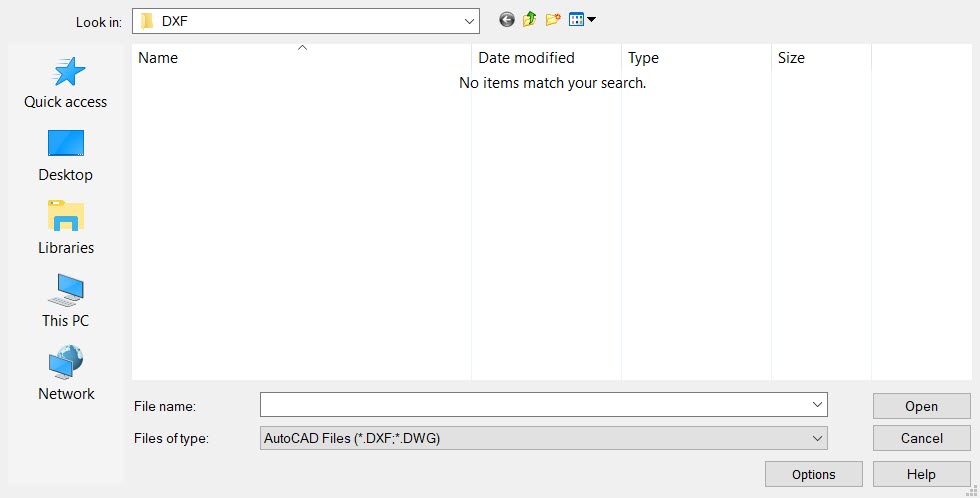
The Open dialog box appears. Select a DXF (or DWG) file to import. Note that the graphic below depicts the Open dialog for DXF import.
-
Select the OPTIONS button to configure the import options. When this button is selected, the Import Options dialog appears.
-
Once objects are placed a DynaHandle appears for further edits of placement as well as conversation bar options (Copy for example). Once edits are complete choose OK to accept.