Tangent to Two Entities

Use this feature to create a line tangent to two selected entities. Only one of the entities can be a point, however. Keep in mind that:
-
When you are in 3D construction mode, make sure the two entities you select are coplanar.
Using the Function:
-
Select Tangent to Two Entities from the Create>Line submenu.
-
Select the first tangent entity, near the point of tangency.
-
Select the second tangent entity, near the point of tangency.
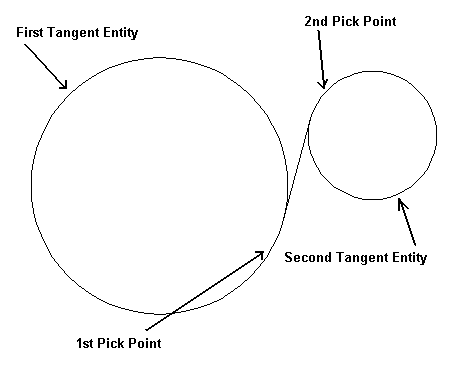
Above > Example of a line created using Tangent to Two Entities