Thicken Sheet

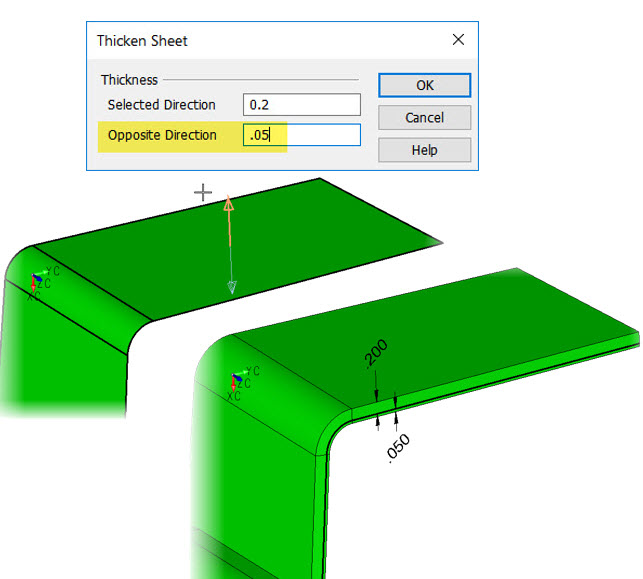
Use the Thicken Sheet function to convert a Surface into a solid. In the "Thicken Sheet" dialog box you can enter the thickness for the solid in a single direction using just a Selected Direction value or thicken in both directions using a value for the Opposite Direction.
Dialog Options:
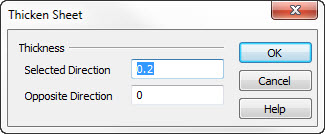
Thickness
Enter a thickness value for the primary direction (the selected direction after clicking OK). Default value of 0 for Oppsite direction indicates thicken in one direction
Thicken in Both Directions