Part Tree
Part Tree Pullout Derivative-Authority:
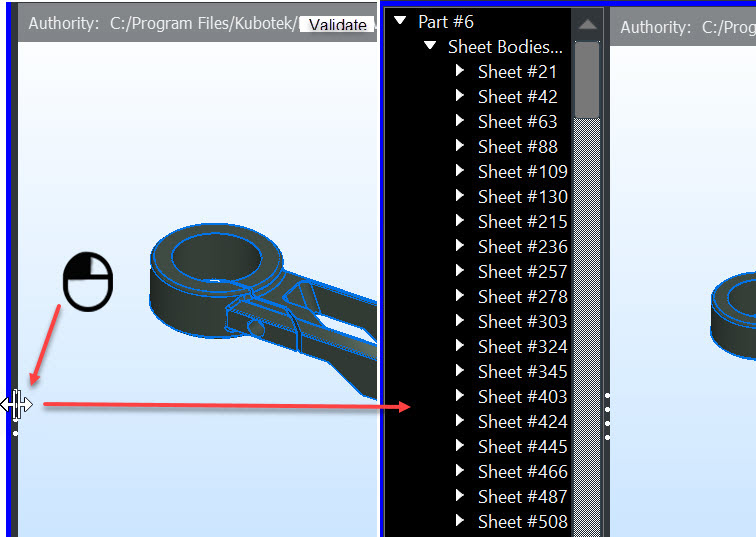
Object Higlight:
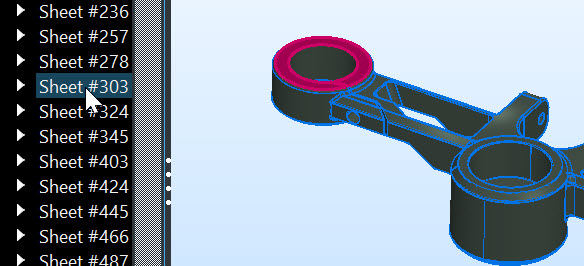
Hide-Unhide:
Excludes object in Compare session.
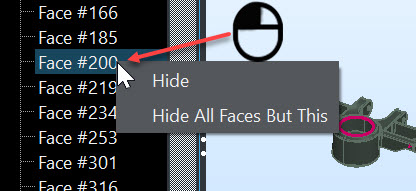
Find by ID:
- Enabled after a Compare is done.
- Enter an ID from either authority-derivative Part Tree and its match will highlight in other display.
- Also available as right click context menu item in Part Tree, (click on face for example)
Mass Properties Solid/Body:
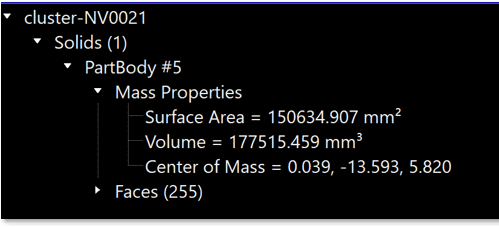
Select any solid/body in Part Tree to expand for Mass Properties:
- Surface Area
- Volume
- Center of Mass
Annotation Category Listing:
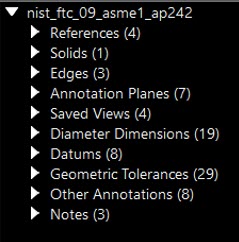
The following annotation types will be listed in the Part Tree based on the original CAD file's structure:
-
Annotation Planes — Planes used for defining and placing annotations, right click on Plane in Part Tree allows display view to be set to that plane view orientation.
-
Saved Views — User captured views, right click on view in Part Tree allows display view to be set to that view orientation.
-
Dimensions — Include angular, diameter and linear dimension types.
-
Datums — Standard datum symbols.
-
Geometric Tolerances — Standard geometric tolerance symbols.
-
Notes — Standard text.
-
Semantic PMI — Part Management Information, (example: Datum text).
-
Other Annotations — Annotations that are detected but not part of any of the above categories.