Remove

Use the Remove Feature function to remove specified faces from a body.
Using the Function:
-
Select Remove Feature from the Modify>Solid Face submenu.
-
Select the faces to be removed. Select additional faces, or ACCEPT/OK to remove the selected faces (features).
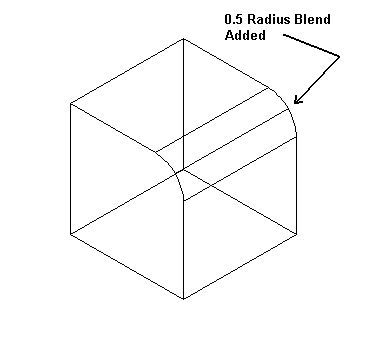
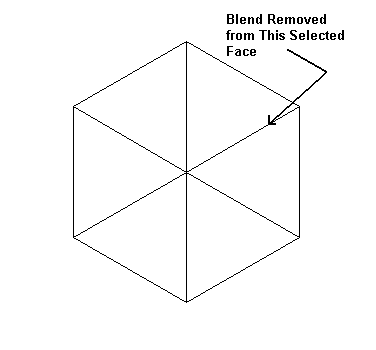
Above > Example of the Remove function