Connect Client Workstation
Server Setup
This help topic covers the last step in the floating license configuration process. Before using the Create Server License in the Other Licensing options of the License Wizard, a Network Administrator for your organization needs to configure the local license server. The components needed to configure the license server, (Network Administration Kit) can be downloaded at the Kubotek Kosmos Support site in the Downloads section.
Before proceeding, confirm with the Network Administrator that activation of the appropriate floating license onto the network server is complete.
Before proceeding, confirm with the Network Administrator that activation of the appropriate floating license onto the network server is complete.
Connect to a Local License Server
- Once the floating license is setup on the server, have the system administrator supply the server name or port number.
- Start the Kubotek License Wizard on the client workstation
- Choose 'Other Licensing options' and then 'Create a license file to use a license server' option.
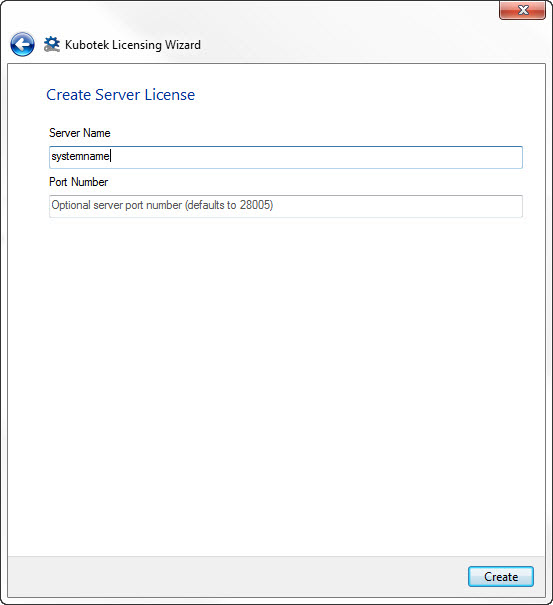
- In the Create Server License section enter the server name or port number provided by the network administrator and choose create: