Curve/Plane Intersection

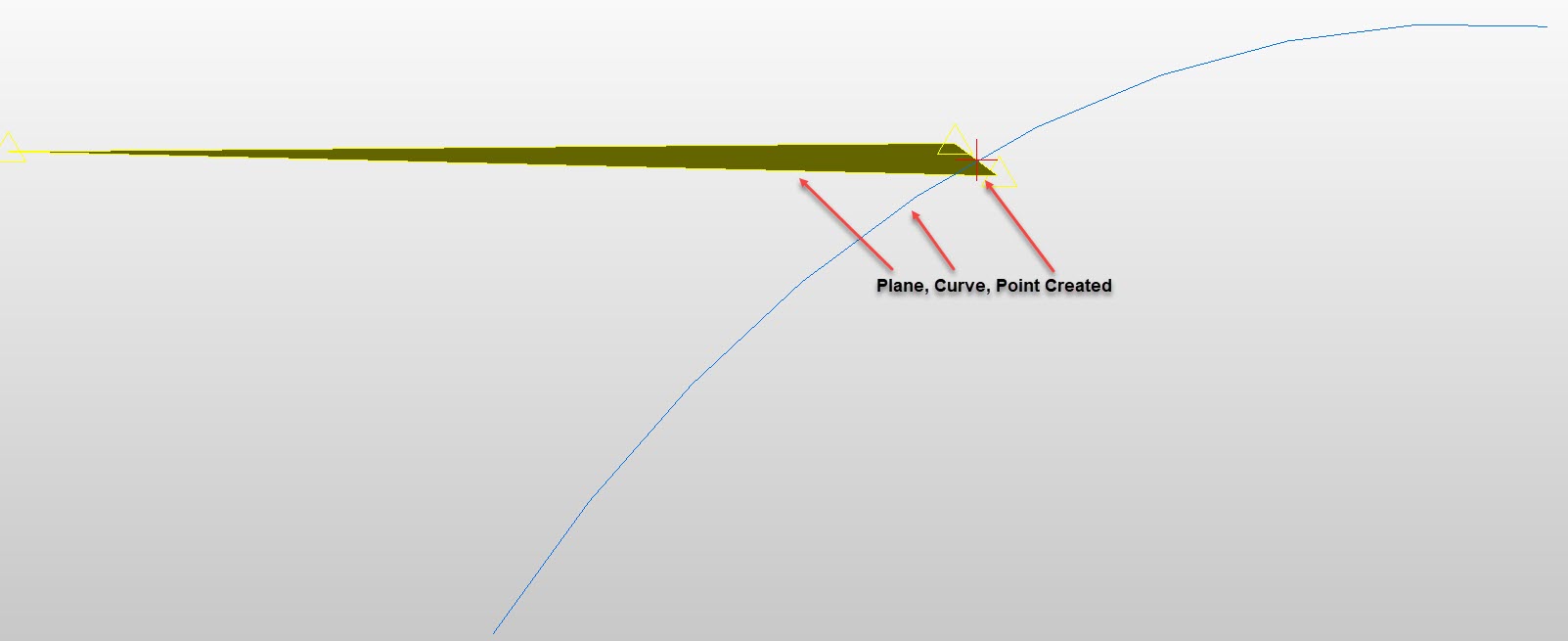
Use the Curve/Plane Intersection function to create a point at the intersection of indicated planes and curves. When a curve and a plane are selected, points at their intersection are created.
Using the Function:
-
Select Curve/Plane Intersection from the Create>Advanced Points submenu.
-
Select the plane.
-
Select the curves to intersect.
Curve Plane Intersect Example