Direct Dimension-driven Editing Examples
Direct Dimension-driven Editing (DDE) explains DDE and provides some examples. Below are more examples that illustrate some of the many ways you can modify geometry using DDE.
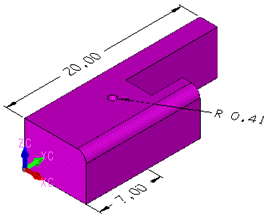
Changing a Dimension Value To Extend Geometry in One Direction
Before:
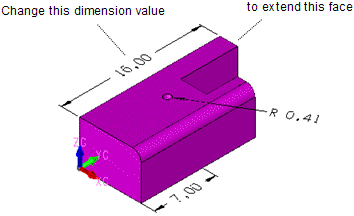
After:
Changing a Dimension Value To Extend Geometry in Both Directions
Before:
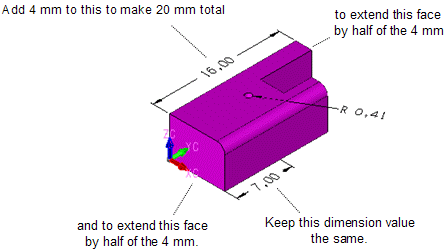
After:
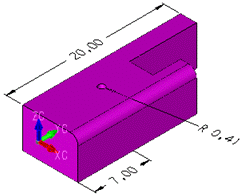
Changing a Dimension Value To Relocate Geometry
Before:
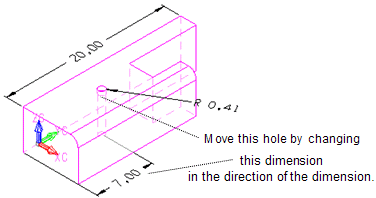
After:
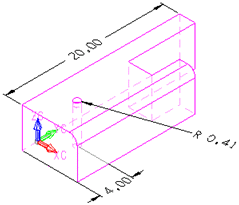
Changing a Dimension Value To Resize Geometry
Before:
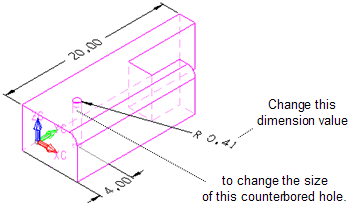
After:
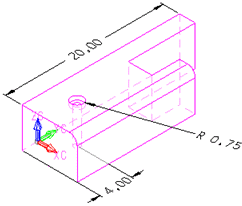
Changing a Dimension Value To Offset a Face with a Blend
Before:
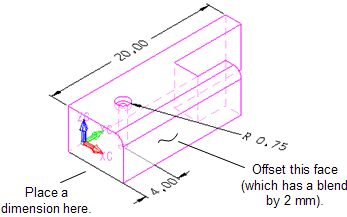
After:
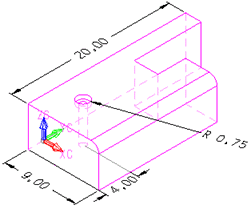
Changing a Dimension Value To Change Distance between Different Bodies
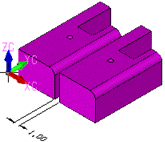
First, you display the dimension between the bodies that you want to change (6.00 mm in the example below). Click the 6.00. Click the Add button. Then change the dimension value to 1.00 in the field on the Conversation Bar. Click Accept. See After below.
Before:
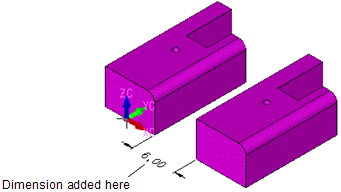
After:
Changing a Dimension Value of a Linear Dimension while Other Linear Dimensions You Display Do Not change
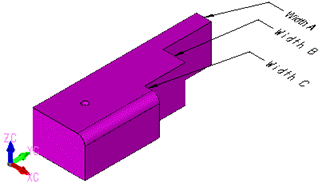
Before:
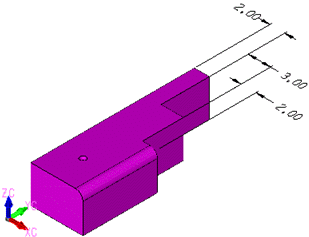
After:
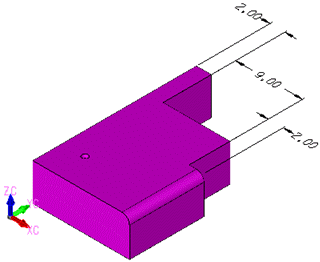
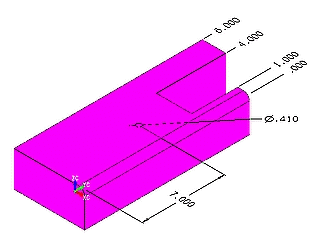
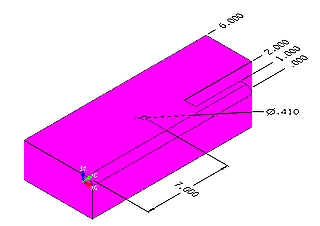
Using DDE To Edit a Dimension Value of a Baselinear (Ordinate) Dimension, Changing the 4.000 Value to 2.000
Before:
After:
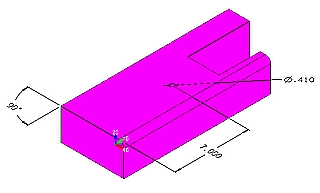
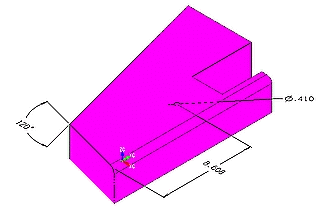
Using DDE To Change a Dimension Value of an Angular Dimension, Changing the 90 Value to 120
Before:
After:
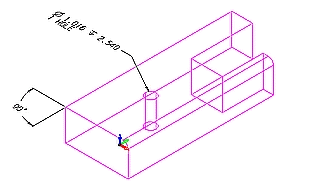
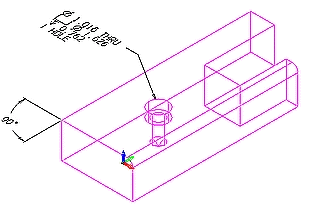
Using DDE To Change a Drilled Hole To Counter Bore Hole through the AutoLabel
Before:
After:
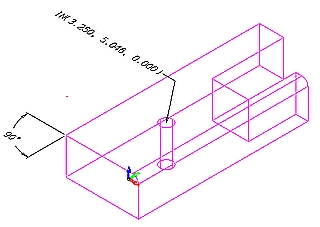
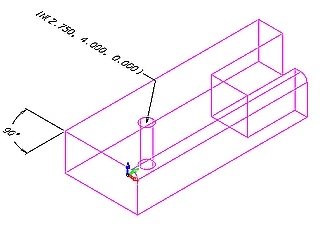
Using DDE To Change a Dimension Value of a Coordinate Dimension from (3. 250,5.046,0) to (2.75,4,0)
Before:
After:
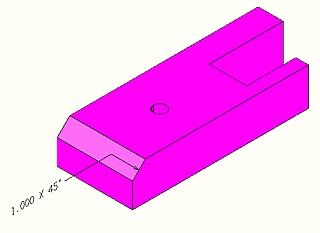
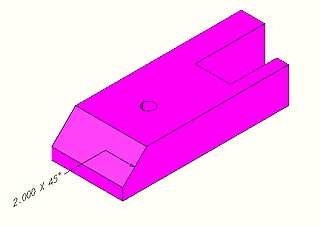
Using DDE To Change a Dimension Value of a Chamfer Dimension from 1 to 2
Before:
After:
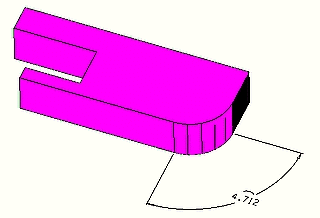
Using DDE To Change a Dimension Value of an ArcLength Dimension from 4.721 to 2
Before:
After: