Open Report
Autoloaded Default Template for Report:
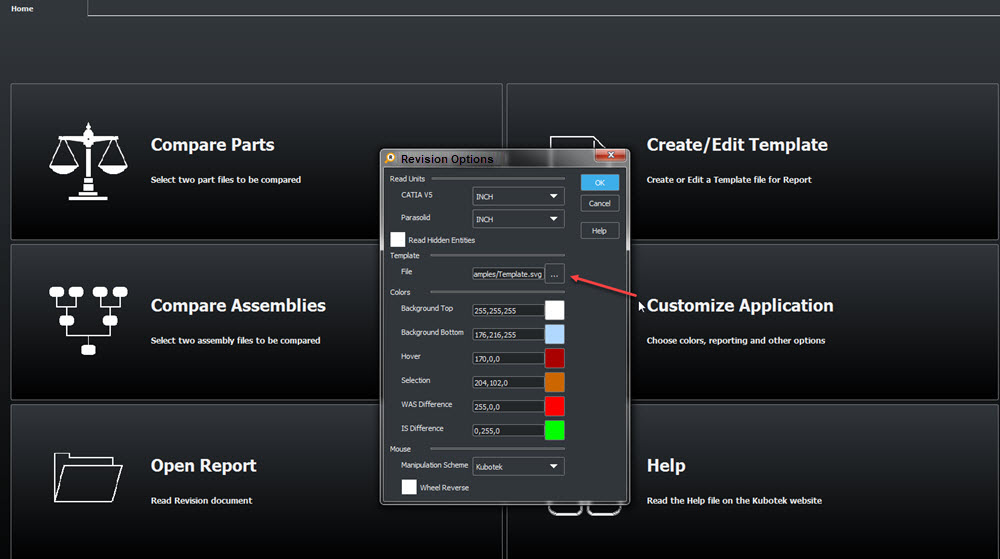
The default template that ships with K-Compare Revision can be modified and saved or new templates can be created and saved. The listed Template File will be used in report creation.
Universal SVG (scalable vector graphics) Format:

Loads Report and Revision Session Files:
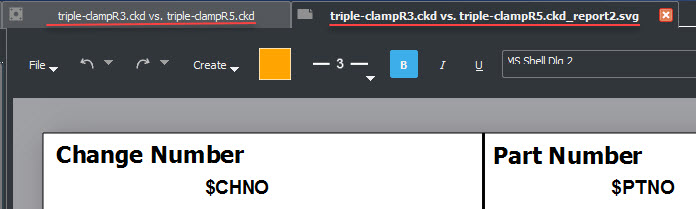
Display Page:
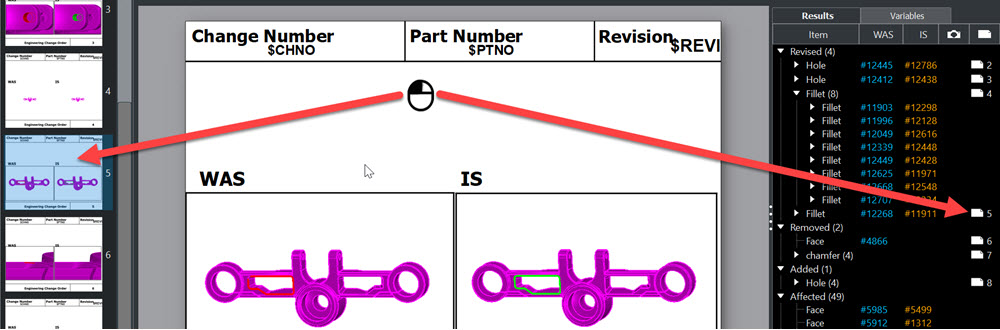
NOTE: Clicking and dragging a Feature page Up or down moves the page, moving page 5 down re-numbers it to page 6 and 6 then becomes page 5 for example.
Cover Page and Feature Pages Create Menu Functions
Display Image Context Menu:

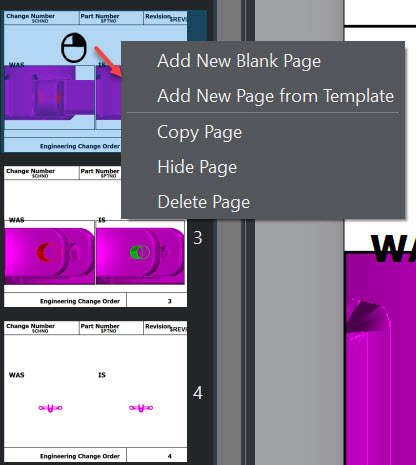
Page Context Menu:
Adding Variables:
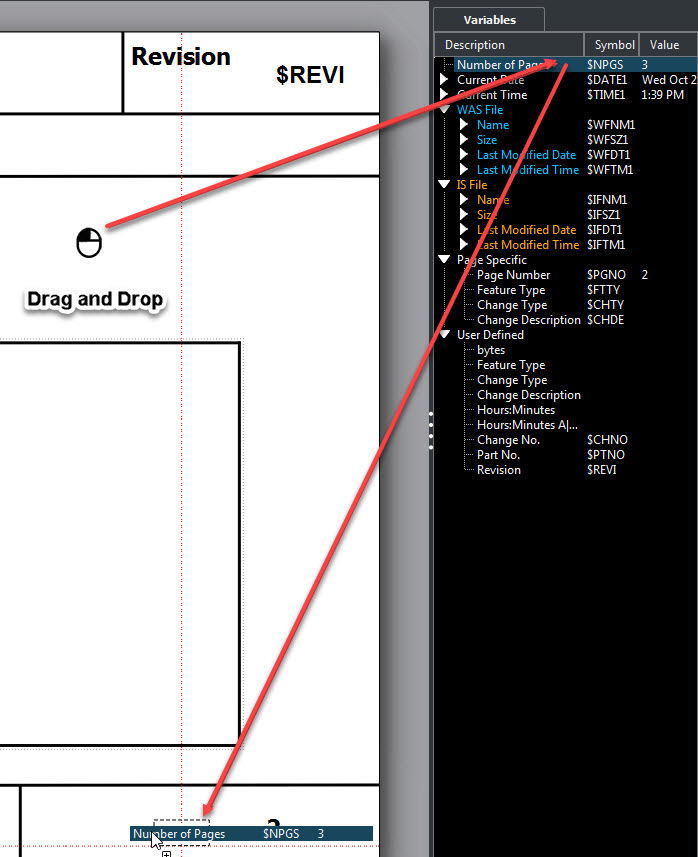
Note: Creating or moving items will position snap (red dashed lines) to existing items, use Shift-Hold to disable snap behavior. Items placed on pages in temaplate and saved will be position locked but editable.
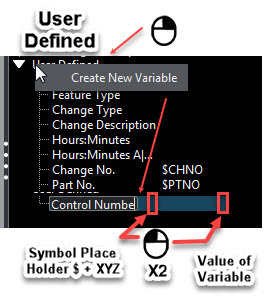
Adding User Defined Variables:
Results Tree:
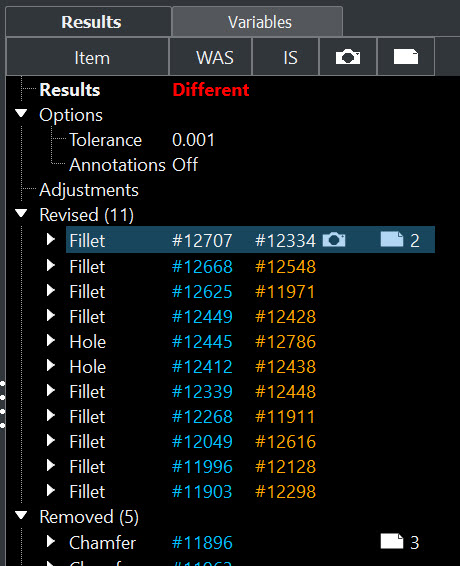
The result tree in the report reflects the Compare session results.
Pages can be created by right clicking a feature item.
A camera icon appears for a given feature indicating a saved view orientation (if inserted during Create Report).
Modification warnings
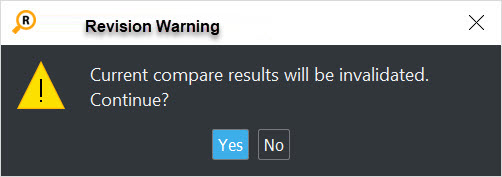
These actions will clear current compare results:
Part Tree context menu — Undefine Feature
Part Tree context menu /Toolbar — Hide/Unhide
Modify Toolbar Options
Toolbar run a new Compare